


U.S. business guidance
Authenticity comes first
Google Business Profile optimization that wins more calls
Accurate information, current photos, the right category, and recent customer activity help a local profile serve both searchers and the business.
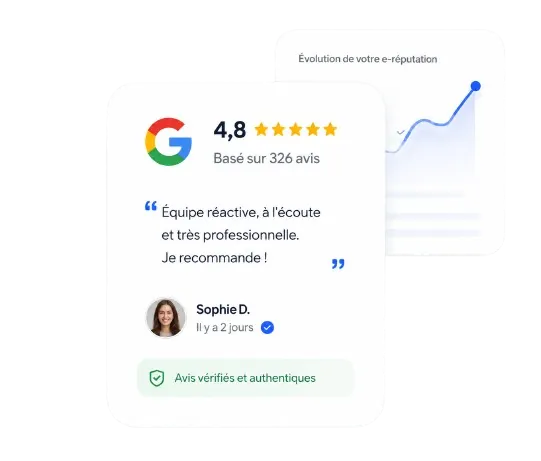
Authentic customer reviews
Policy-aware and verifiable
Seven-step method
Simple and repeatable
Durable results
Built for long-term trust

Profile essentials
Accuracy, activity, and trust
A useful profile answers customer questions and reflects the business as it operates today.
Core information
Keep the name, address, phone, hours, website, service area, and primary category accurate.
Current media
Add real photos and updates that show what customers can expect now.
Reviews and responses
Invite honest feedback through the direct link and respond consistently.
Keep learning
How do you put this into practice?
Three resources for building authentic reviews without purchasing them.
Take action
Turn completed work into fresh Google reviews
Use a direct link and neutral request after real customer experiences.
Sources & references
The rules this method follows
Official policies and regulations behind every campaign, reviewed in 2026.
- 116 CFR Part 465: Use of Consumer Reviews and Testimonials
FTC rule, U.S. Electronic Code of Federal Regulations
- 2Prohibited and restricted content (fake engagement)
Google Maps user-generated content policy
- 3Tips to get more reviews
Google Business Profile Help
FAQ
Google Business Profile Optimization FAQ
Everything you need to know about growing your rating with authentic customer reviews, updated for 2026.
What is Google Business Profile optimization?
Google Business Profile optimization means making your free Google listing complete, accurate, and active: the right primary category, hours, services, service area, photos, and description, plus regular updates and review replies. Google says complete and accurate information helps it match your profile to relevant searches.
Which Google Business Profile category should I choose?
Choose the most specific primary category that describes your main business, not every service you offer, then add a few secondary categories for other core services. The primary category strongly influences which searches show your profile, so check the categories used by leading competitors in your area.
How often should I update my Google Business Profile?
Update hours before holidays and whenever they change, add new photos regularly, and publish updates or offers when you have something useful to share. Answer reviews as they arrive. Regular activity keeps the information accurate and gives customers current reasons to choose your business over nearby options.
Do reviews affect my Google Business Profile ranking?
Yes. Google's guidance says review count and review score factor into local search ranking as part of prominence. Reviews are not the only factor, since relevance and distance also matter, but recent reviews from real customers help both your visibility and the customer's decision to contact you.