5 free verified-customer invitations
Buy App Store reviews? Grow real ones from verified customers
Confirm a real meaningful in-app milestone or successful task, send customers a neutral invitation, and let them share their own experience on App Store.
- Verified purchase or visit required
- Customer writes their own feedback
- Campaign reporting and dedicated support
Launch your App Store campaign
Start with 5 free verified-customer invitations
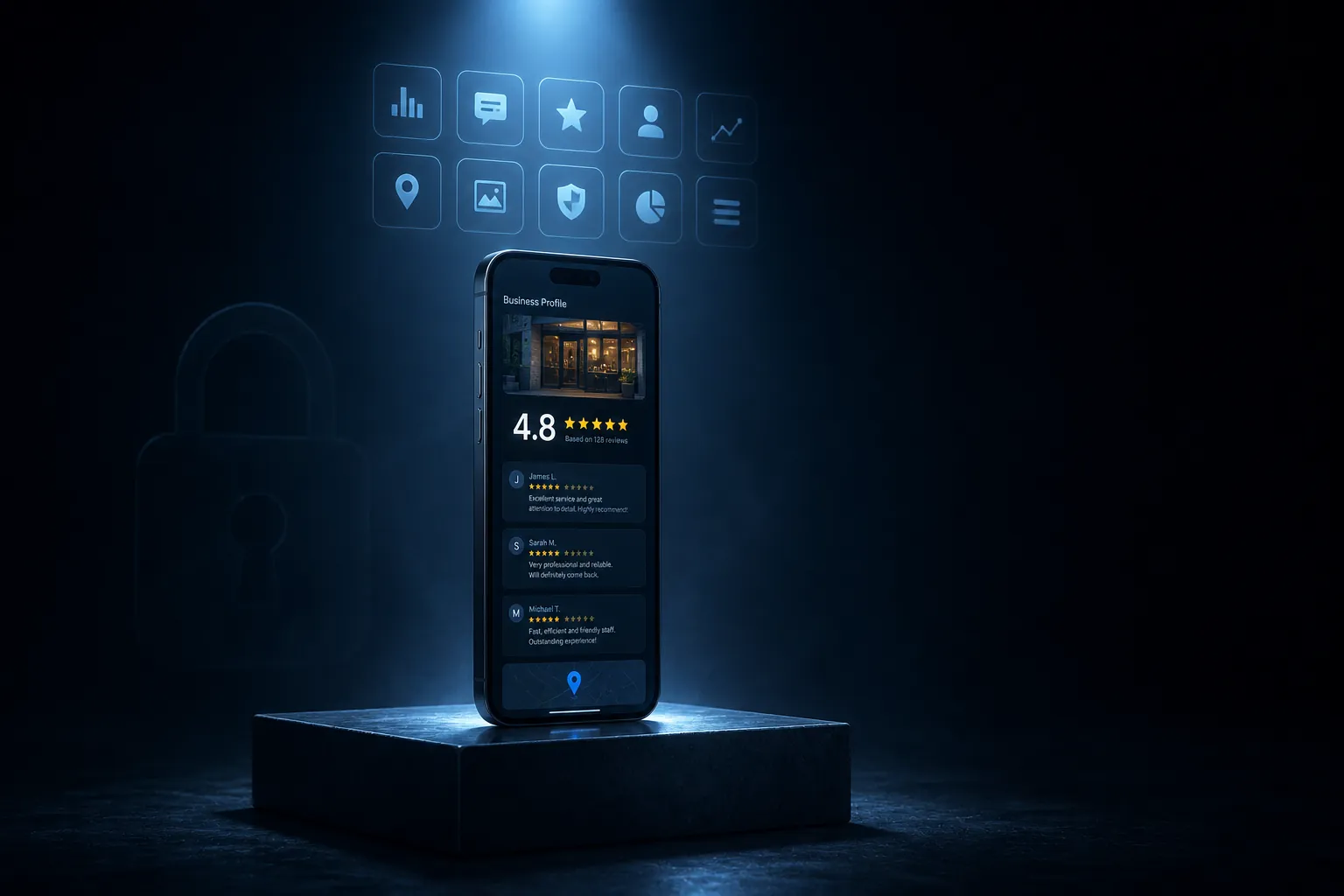
A verified-customer App Store review campaign is a structured way to grow App Store reviews without buying them. It starts from a verified customer event (meaningful in-app milestone or successful task), invites that customer only through methods App Store allows, and lets them decide whether to respond, what to write, and which rating to give.
How it works
How App Store rating prompts are timed and measured
Verification is based on a completed meaningful in-app milestone or successful task. Customers write their own feedback and choose their own rating.
Connect your customer records
Import completed meaningful in-app milestone or successful task from your POS, CRM, booking tool, or invoice history.
Approve the invitation
We prepare a concise, neutral App Store request with your direct profile link.
Launch in measured batches
Trigger Apple's native rating request after the user reaches a genuine product-value moment.
Measure and improve
Use response and profile data to improve timing, segmentation, and customer experience.
Verification
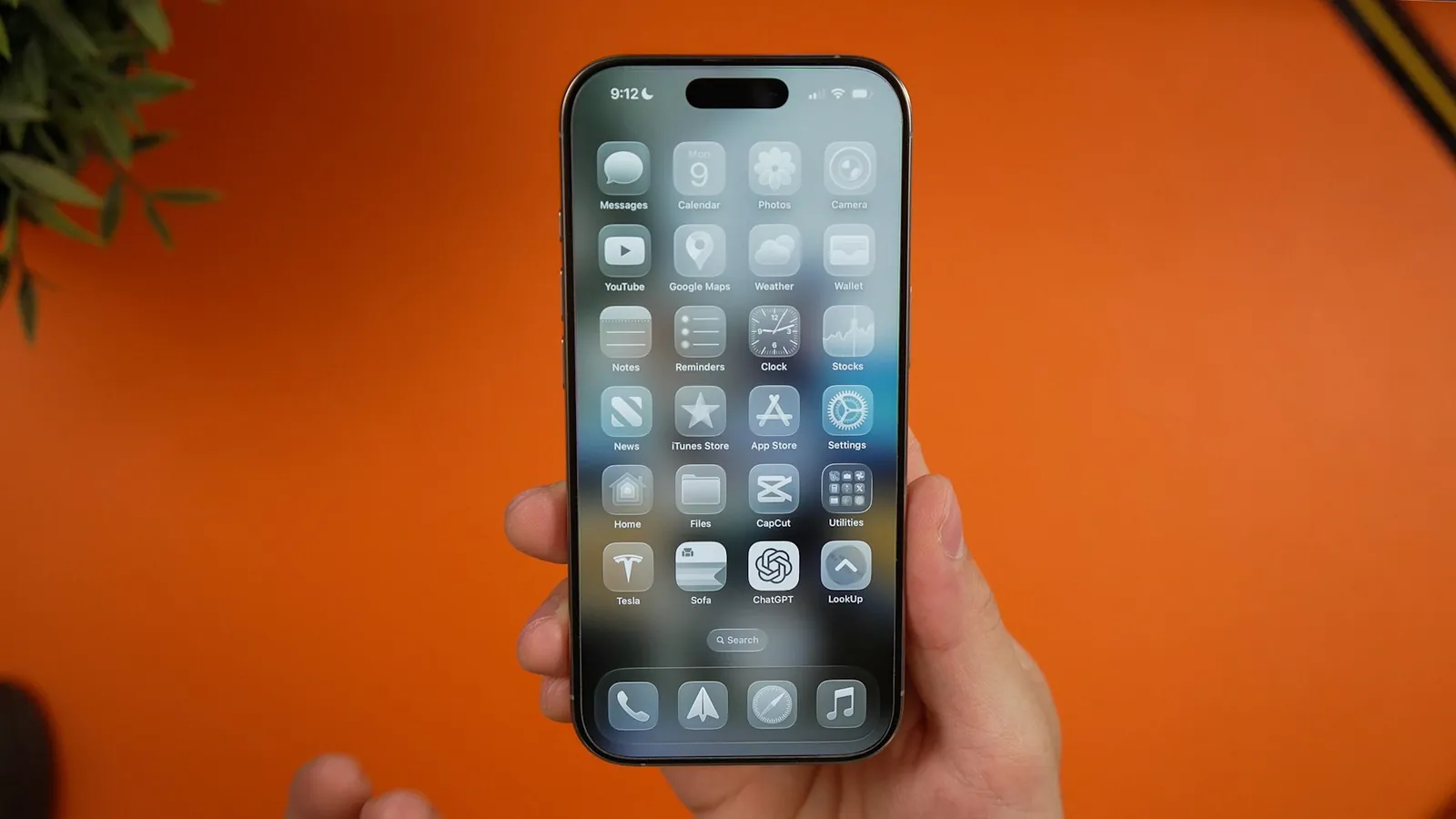
Apple's rating prompt appears only after users reach real value
The system prompt is requested after a meaningful milestone, within the display limits Apple sets.
Verified customer activity
Every invitation must connect to a completed meaningful in-app milestone or successful task in your records.
Customer-controlled feedback
Customers decide whether to respond, what to write, and the rating they choose.
Campaign reporting
Track verification, invitation delivery, responses, profile growth, and next actions in one dashboard.
App Store campaign pricing
Which App Store campaign plan fits your customer volume?
Plans include verification, invitation delivery, reporting, and dedicated support for app users.
Starter
Per month, in USD
30 verified customer invitations / month
Platforms
- Google Business Profile
Included
- 30 verified customer invitations
- Purchase or visit verification workflow
- Real-time performance dashboard
- Dedicated account manager
- Local-SEO guidance for your listing
Guarantees
- Campaign launch guarantee
- Invitation delivery reporting
- 10% off your next order
Professional
Per month, in USD
60 verified customer invitations / month
Platforms
- Google Business Profile
Included
- 60 verified customer invitations
- Purchase or visit verification workflow
- Real-time performance dashboard
- Dedicated account manager
- Local-SEO guidance for your listing
- CRM and business-tool integration
Guarantees
- Campaign launch guarantee
- Priority invitation delivery reporting
- 15% off your next order
Enterprise
Per month, in USD
90 verified customer invitations / month
Platforms
- Google Business Profile
- Trustpilot
- Yelp page management
- Other major platforms
Included
- 90 verified customer invitations
- Purchase or visit verification workflow
- Multi-location support (up to 2 profiles)
- Real-time performance dashboard
- Dedicated account manager
- Local-SEO guidance for your listing
- CRM and business-tool integration
Guarantees
- Campaign launch guarantee
- Priority invitation delivery reporting
- Quarterly reputation strategy review
Only customers with a verified purchase or visit are invited. Customers write their own feedback, and publication is never guaranteed. Campaign launch guarantee: if we cannot launch your campaign within the agreed timeframe, your first month is refunded.
Business impact
What genuine App Store ratings bring to an iOS app
Turn completed customer experiences into a repeatable reputation and conversion workflow.
Stronger customer trust
Recent App Store feedback gives prospects more context before they contact or buy from you.
Better conversion support
Well-timed feedback supports product credibility and gives the team a clearer view of user satisfaction.
A repeatable workflow
Turn every eligible customer event into a consistent invitation opportunity without manual follow-up.
App Store ratings guide
App Store ratings: Apple's prompt, its limits, and developer replies
What Apple's guidelines require, how the system rating prompt behaves, and how to reply to reviews in App Store Connect.
What Apple's App Review Guidelines require
Guideline 5.6.1 of Apple's App Review Guidelines asks developers to use the provided API to prompt users for a review, and Apple disallows custom review prompts. The same Developer Code of Conduct section treats manipulation of ratings and reviews, including fake or paid reviews, as grounds for removal from the Apple Developer Program. Treat reviewers with respect when you reply.
How the system rating prompt behaves
StoreKit provides the request through the AppStore.requestReview(in:) method and the SwiftUI requestReview environment action, as documented in Requesting App Store reviews. The system decides whether to show the prompt and displays it to a given user no more than three times within a 365-day period. During development the prompt always appears for testing; in TestFlight builds it does not appear.
- 1Define a value moment, such as completing a workout, a project, or several successful sessions.
- 2Request a review only after that moment, never at launch or during onboarding.
- 3Skip the request if the user just hit an error or contacted support.
- 4Avoid asking again for the same app version.
- 5Offer a separate Write a Review link in settings that opens the App Store review page.
App Store rating requests: do and don't
| Do | Don't |
|---|---|
| Use the StoreKit rating request | Build a custom pop-up that asks for stars |
| Wait for a completed, meaningful task | Interrupt a purchase, a form, or a game level |
| Let the system limit how often the prompt appears | Assume every request call displays the prompt |
| Keep support contact options visible elsewhere in the app | Ask users whether they like the app before showing the prompt |
| Accept any rating the user chooses | Offer in-app currency or features for a rating |
Responding to reviews in App Store Connect
Apple's Ratings, reviews, and responses page explains that developers can reply to reviews publicly from App Store Connect, and users are notified and can update their review. Developers can also choose to reset the summary rating when releasing a new version; written reviews stay visible.
Thank you for the suggestion about [feature]. It is now on our list for an upcoming release.
In the meantime, [current workaround] may help.
You can reach the team any time at [support email].
- Reply first to recent reviews that describe bugs or confusion.
- Point to the version that fixes an issue once it is live.
- Never ask for a higher rating in a reply or tie support to a review change.
Sources & references
The rules this method follows
Official policies and regulations behind every campaign, reviewed in 2026.
- 116 CFR Part 465: Use of Consumer Reviews and Testimonials
FTC rule, U.S. Electronic Code of Federal Regulations
- 2Prohibited and restricted content (fake engagement)
Google Maps user-generated content policy
- 3Tips to get more reviews
Google Business Profile Help
- 4Ratings and reviews
Apple Human Interface Guidelines
- 5App Review Guidelines (5.6.1 App Store Reviews)
Apple Developer
- 6Requesting App Store reviews
Apple Developer Documentation
- 7Ratings, reviews, and responses
Apple Developer
FAQ
App Store review campaign FAQ
Answers about App Store's review rules and how a verified-customer campaign works on the platform.
How do apps ask for App Store ratings?
Apple provides a native rating prompt through SKStoreReviewController, also available as RequestReviewAction in SwiftUI. The system decides whether to show it, and users can rate the app without leaving it. Apple discourages custom review prompts, and its App Review Guidelines prohibit manipulating ratings or offering rewards in exchange for them.
How often can the App Store rating prompt appear?
The system shows the rating prompt to a user at most three times within a 365-day period, no matter how often your app requests it. Because opportunities are limited, request it only after a meaningful moment, such as completing a task or reaching a milestone, never at launch or in the middle of an important flow.
Why not buy App Store reviews?
Apple's App Review Guidelines state that manipulating ratings or reviews, including with fake or paid reviews, can lead to removal from the Apple Developer Program. Apple also filters suspicious reviews. In the United States, the FTC rule on fake reviews applies as well. Well-timed native prompts to engaged users build ratings that last.
Can I respond to App Store reviews?
Yes. Developers can reply to customer reviews in App Store Connect, and the reply appears publicly under the review. The user is notified and can update their review. Use replies to answer questions, acknowledge bugs, and point to fixes in new versions rather than to argue with a rating.
Should I reset my App Store rating with a new version?
Apple lets developers reset the summary rating when they release a new version, while existing written reviews stay visible. A reset can make sense after a major update that fixed the issues behind low ratings. Because few ratings remain afterward, pair it with well-timed native prompts to rebuild the average.